


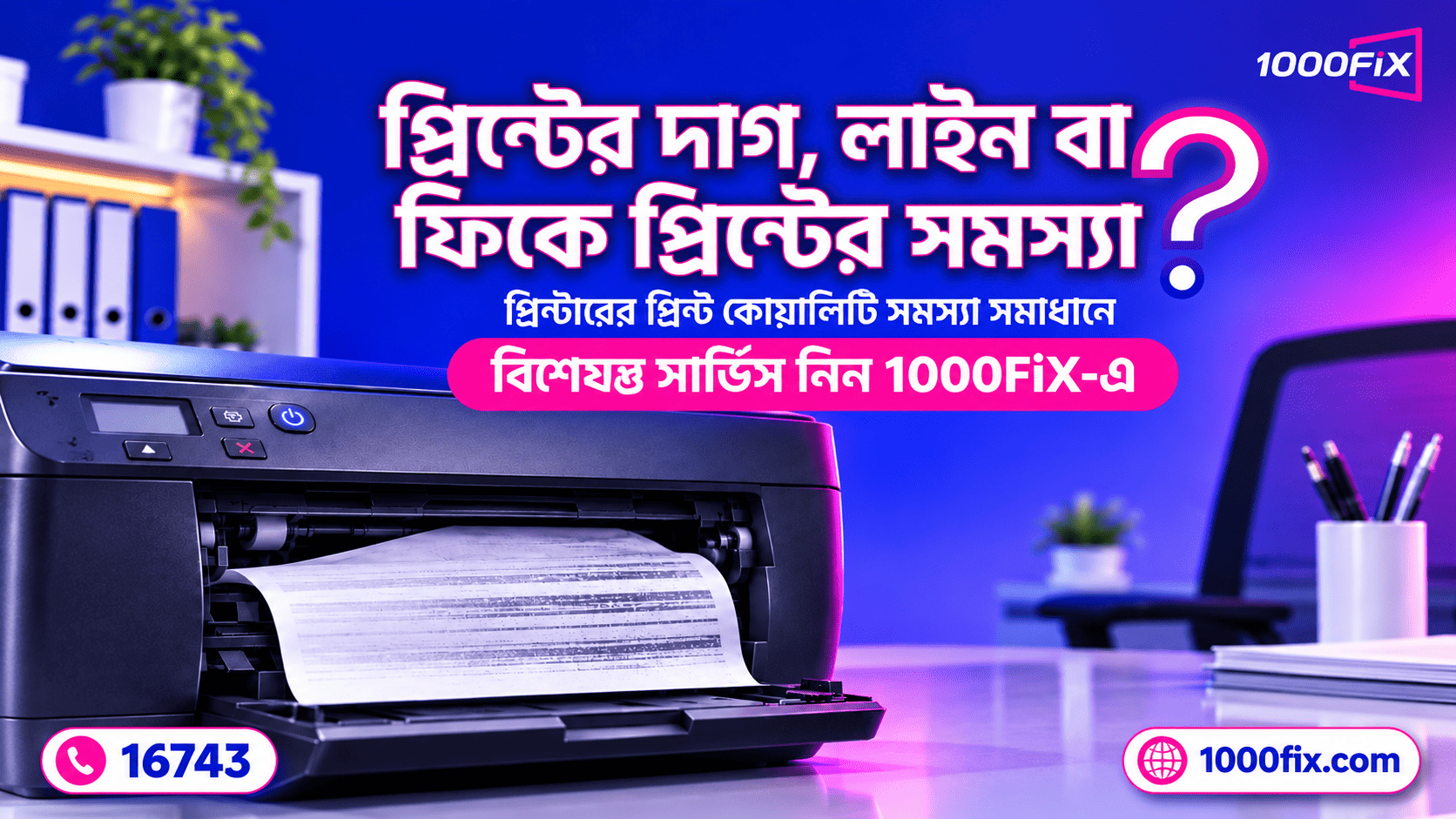
Printer Print Quality Problems in Dhaka Offices and What to Check
A report goes to the printer five minutes before a meeting, and the pages come out with grey bands, faded text or thin white lines. Printer print quality problems in Dhaka offices are common because printers work long hours, and dust, humidity and mixed-quality paper all take a toll.
Many defects have simple causes. This guide explains what each one usually means, what you can safely check yourself, and when to call a technician. It separates laser and inkjet printers, because their causes and fixes differ.
Common Printer Print Quality Problems in Dhaka and Their Causes
Lines and faded pages are the most frequent complaints. Streaks usually point to an inkjet printhead, while smudges and specks usually point to a laser printer's toner or fuser. Uneven colours can affect both types.
Paper matters too. HP's own troubleshooting guidance notes that paper that does not meet specifications can cause print-quality problems, so check the paper before you blame the machine.
Why Does Your Printer Print Lines on Paper?
Lines on paper are one of the most searched printer complaints. The direction and colour of the line give useful clues.
Vertical lines that run down every page usually point to something dirty or damaged along the paper path. On a laser printer, the usual suspects are a worn drum unit, a damaged toner cartridge or dirt inside the printer. On an inkjet, partly blocked nozzles are more likely.
Horizontal lines that repeat at regular intervals often come from a roller or drum with a damaged surface. If the gap between marks is always the same, a rotating part is probably marked or worn.
Lines only on copies are a different case. HP notes that vertical streaks in copies can often be fixed by cleaning the scanner glass. Print a test page from the computer. If it is clean, the printing side is fine and only the scanner needs wiping.
Finally, a faint repeating line can come from a failing drum. This is where printer lines on paper repair usually needs a technician, because drum and imaging parts should not be handled casually.
How to Fix Faded Prints from Laser Printers
Laser printer faded prints are almost always a toner or settings issue. Work through these steps in order.
- Check the toner level. Print a supplies status page from the control panel. HP explains that print quality problems can occur when a toner cartridge is at its estimated end of life.
- Check the driver settings. Make sure toner-saving or draft mode is off, and that the paper type in the print dialog matches the paper in the tray.
- Reseat the cartridge. Switch off the printer, remove the cartridge, then fit it back firmly.
- Try fresh, dry paper of a suitable weight. Damp paper can cause patchy output, and humidity is a real factor in Dhaka.
- Replace the cartridge if fading continues and the toner is low or the cartridge is suspect.
If a brand-new genuine cartridge still prints faint, the problem may be inside the printer, such as the drum, transfer unit or fuser. Those parts need a technician.
Safety note: never touch the imaging drum surface, because fingerprints cause defects. Also, the fuser gets very hot, so let the printer cool before opening it. Do not dismantle internal laser assemblies yourself.
Inkjet Printer Streaks: Causes and Repair Solutions
Inkjet printer streaks repair starts with the printhead. Ink that dries inside the nozzles, especially when a printer sits unused over a weekend or holiday, leaves gaps in the print.
Try this sequence:
- Print a nozzle check or print quality report.
- If there are gaps, run a printhead cleaning from the printer menu or software.
- Print the check pattern again.
- Run printhead alignment if lines look doubled or text looks misaligned.
- Make sure ink levels are adequate.
Epson's support page explains how to check the nozzles and clean the print head, including what a healthy pattern looks like versus one that needs cleaning.
Do not run cleaning cycle after cycle. Epson warns that a stronger Power Cleaning consumes a lot of ink and can fill the waste ink pad or maintenance box sooner, and advises contacting support if quality still does not improve. For HP inkjets, the HP inkjet print quality guide covers the diagnostic report and cleaning steps.
If streaks survive two or three cleanings, stop. A worn printhead, a full waste ink pad or a faulty cartridge is more likely, and a technician should check it.
Other Common Printer Printing Problems
Blurry or smudged documents. On laser printers, toner that rubs off often means a paper type mismatch or a fuser problem. On inkjets, the wrong paper setting can smudge text.
Black spots and marks. Specks usually come from dust, loose toner or a leaking cartridge.
Uneven colours. One empty colour or clogged nozzle can tint the whole page. Print a test page to see which colour is failing.
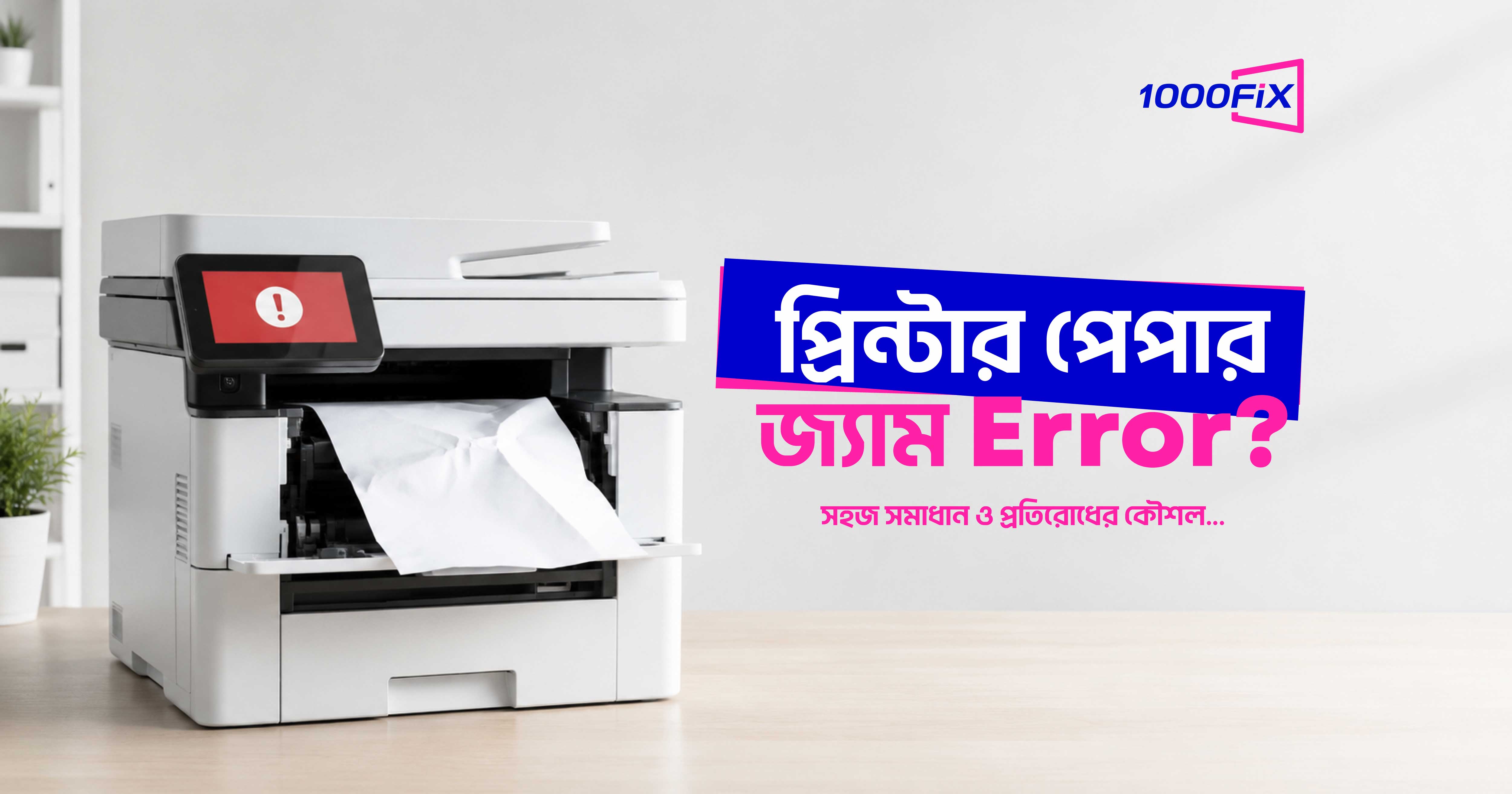
Paper feed and alignment problems. Skewed pages usually mean worn pickup rollers, loose paper guides or overloaded trays. If jams are also a problem, see 1000Fix's guide to fixing printer paper jam errors.
Basic Printer Troubleshooting Before Calling a Technician
Run through this short checklist first.
- Print a test page directly from the printer, not only from the computer.
- Check toner or ink levels and the paper type setting.
- Try a different, dry ream of paper.
- Reseat the toner cartridge, or run a nozzle check on an inkjet.
- Update the driver or firmware from the manufacturer's website.
- Keep a sample page showing the defect for the technician.
If you smell burning or see smoke, switch the printer off, unplug it and call a professional.
When Should You Contact a Professional Printer Repair Technician?
Call a professional printer technician in Dhaka when:
- The defect continues after new toner or ink and the safe steps above.
- Lines or marks repeat at the same interval on every page.
- The drum, fuser, transfer unit or printhead is suspected.
- The printer shows maintenance, waste ink or fuser errors.
- Several staff depend on the machine, and downtime is costing work.
Avoid risky shortcuts such as soaking parts in liquids, scraping a drum or forcing covers open. These can turn a small repair into a costly one.
Printer Servicing Cost in Dhaka: What Affects the Price?
There is no single price for printer servicing in Dhaka, because the work varies. Honest quotes depend on:
- Printer type and model. Laser, inkjet, tank and multifunction machines differ.
- The fault itself. Cleaning and adjustment cost less than replacing a drum, printhead or fuser.
- Spare parts and consumables. Toner, ink and parts are usually charged separately from labour.
- Location of the work. On-site visits and workshop repairs are priced differently.
- Printer age and parts availability.
On its IT device on-site repair service page, 1000Fix lists a service charge of ৳750 at the time of writing and states that parts, accessories and consumables are billed separately. It also states a 30-day service warranty. Prices can change, so confirm the current charge before booking.
How to Maintain Office Printers and Prevent Printing Problems
Good habits prevent most defects.
- Use good-quality paper and store it in a dry place.
- Print regularly. Inkjets that sit idle for weeks are prone to clogged nozzles.
- Keep the printer away from dust, windows and damp walls.
- Replace toner and ink on time, and follow the manufacturer's cleaning instructions.
- Schedule routine servicing for heavily used printers, based on page volume and your technician's advice.
Offices with several printers can also look at 1000Fix's page for corporate IT service needs.
Professional Printer Repair Services in Dhaka by 1000Fix
If basic checks do not fix the problem, 1000Fix offers a dedicated printer repair service for office printer repair in Dhaka, bookable through its website. You can also browse all printer repair services to see the available options.
Based on its website, 1000Fix offers:
- Doorstep and on-site service for eligible printers at homes and offices.
- A pick and drop service for devices that need workshop attention.
- Booking through the website or the 16743 hotline.
- A network of service centers.
1000Fix says it serves selected areas of Bangladesh, with its primary operations in Dhaka and surrounding regions. Whether your office is in Dhanmondi, Mirpur, Uttara, Mohammadpur, Gulshan, Banani, Badda, Motijheel, Bashundhara or Tejgaon, confirm availability for your exact address when you book. If you are searching for printer servicing near me, the service center page is a good place to start.
Frequently Asked Questions
Why is my printer printing lines on paper?
Lines usually come from blocked nozzles on an inkjet, or from a worn drum, low toner or dirt inside a laser printer. If they appear only on copies, clean the scanner glass. If they persist after basic cleaning, have a technician inspect the printer.
Why does my laser printer print faded pages?
Low toner is the most common cause, followed by toner-saving mode and the wrong paper type setting. Check toner levels, review driver settings and reseat the cartridge. If new toner does not help, a drum or fuser problem is possible.
How do I fix inkjet printer streaks?
Print a nozzle check, run a printhead cleaning, then check again. Avoid repeating cleaning many times, because it uses ink. If streaks stay after a few attempts, have the printhead checked.
Why is my printer printing blurry documents?
Common causes are the wrong paper type setting, damp paper, a misaligned inkjet printhead or a laser fuser problem. Try fresh paper, correct the settings and run alignment.
How much does printer servicing cost in Dhaka?
It depends on the model, the fault, spare parts and whether the work is on site. Parts and consumables are normally extra, so ask for a clear estimate first.
How often should an office printer be serviced?
It depends on page volume, dust and humidity. Follow the manufacturer's guidance, and book sooner if quality drops or errors appear.
Can I fix printer print quality problems myself?
Some, yes. Checking toner or ink, paper type, settings and a nozzle cleaning are safe. Opening the fuser or handling the drum is better left to a technician.
When should I call a professional printer repair technician?
Call when defects persist after basic troubleshooting, repeat at fixed intervals, or come with error messages, burning smells or heavy jams.
Conclusion
Printer print quality problems in Dhaka are rarely random. Lines, fading, streaks and smudges each point to a likely cause, and many can be solved with simple, safe checks. When they cannot, a professional diagnosis saves time and protects the printer from further damage.
If your office printer is still not printing clearly, book a printer repair service with 1000Fix or call 16743 to speak with the team.



Write a Comment